
If you opened NotebookLM this week and saw a new name staring back at you, you’re not imagining things. Google has officially rebranded NotebookLM to Gemini Notebook, and the update has left a lot of regular users with one big question: is my old data still safe?
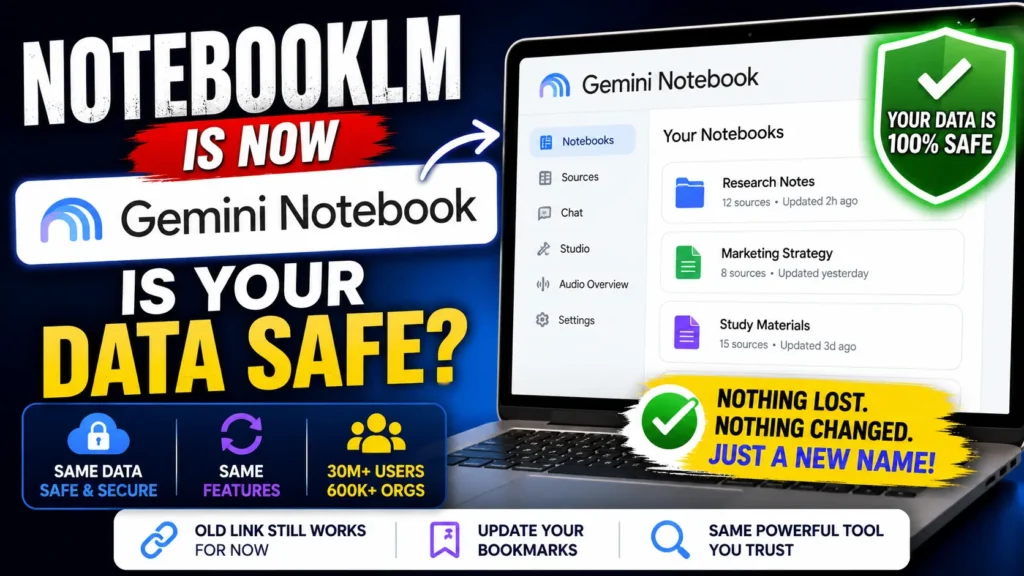
The short answer is yes. NotebookLM is now Gemini Notebook, but nothing about your saved work has been deleted, locked away, or moved somewhere new. Below, we’ll break down exactly what changed, why it changed, and what it means for the notebooks you’ve already built.
Table of Contents
Why NotebookLM Is Now Gemini Notebook
Google announced the change on July 16, 2026, describing it as a rename rather than a relaunch. The tool started life back in 2023 as an experiment called Project Tailwind before becoming NotebookLM, a name borrowed from an old Google Labs naming convention where experimental tools got an “LM” (language model) tag attached. Google has said that tag was always meant to be temporary — once the product proved itself, the plan was to drop the “LM” and simply call it Notebook.
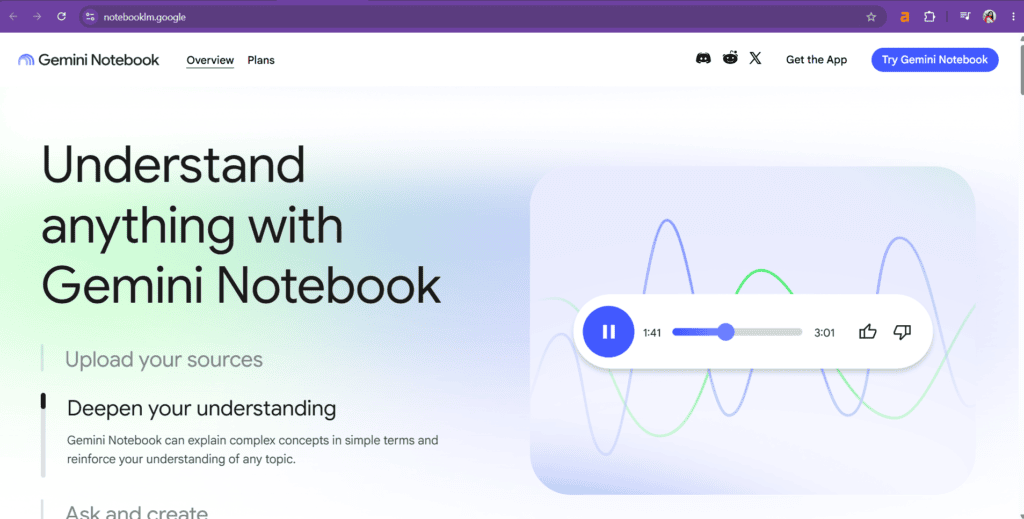
With more than 30 million people and over 600,000 organizations now relying on it for research, note-taking, and document analysis, Google decided the product had earned that simpler identity. So NotebookLM is now Gemini Notebook, folded more tightly into the wider Gemini family alongside the Gemini app and Google Search.
Is Your NotebookLM Data Safe After the Switch?
Yes, your data is safe. This is purely a naming and branding change, not a rebuild of the underlying product. Google has confirmed that Gemini Notebook is the same standalone tool people have used for years — same infrastructure, same privacy protections, same account-based storage. Nothing about the switch involves migrating your files to a new database or exposing your sources to a different system.
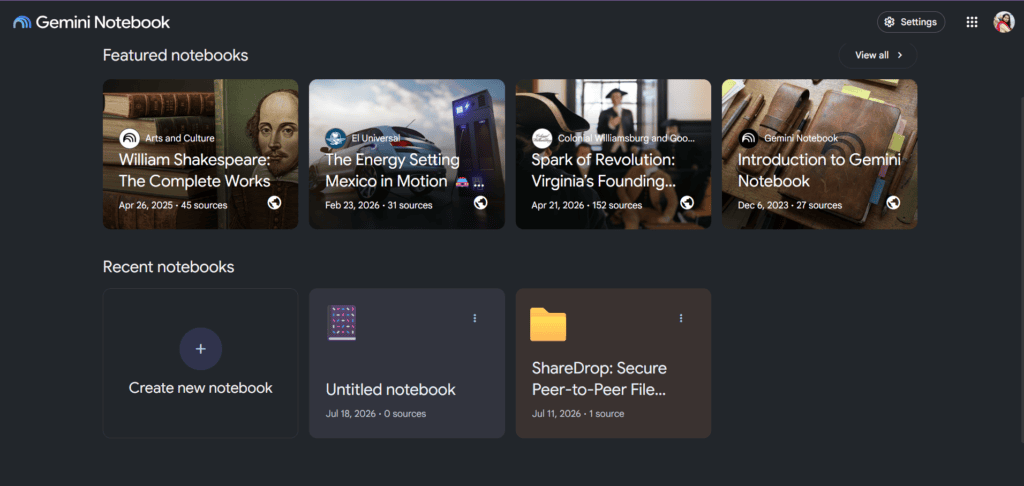
If you were worried that renaming NotebookLM to Gemini Notebook meant a fresh sign-up, a data wipe, or a change in who can see your notebooks, you can relax. Your sources, chat history, notes, and generated summaries remain exactly where they were, tied to the same Google account you’ve always used.
Can You Access Your Old NotebookLM Data in Gemini Notebook?
Absolutely. Every notebook you created under the old name is fully accessible inside Gemini Notebook right now. Log in with the same Google account and you’ll find your existing notebooks, uploaded documents, and audio or video summaries sitting exactly where you left them. There’s no export step, no manual transfer, and no waiting period.
This matters because the platform and features are the same — only the name is changed. The interface you’re used to, the way you upload sources, the way you ask questions and get grounded answers, all of it carries over untouched. If you built a research workflow around NotebookLM, that workflow keeps working under Gemini Notebook without any adjustment.
Does the Old NotebookLM URL Still Work?
For now, yes. The previous notebooklm.google.com link is still functional, so any bookmarks, shared links, or saved shortcuts will continue to load your notebooks without issue. However, this is expected to be temporary. As more people search for and adopt the new Gemini Notebook name, Google is likely to phase out the old URL and redirect it fully to the new address within the coming weeks.
If you rely on the old link for daily work, it’s worth updating your bookmarks sooner rather than later so you’re not caught off guard once the redirect becomes permanent.
What’s Actually New in Gemini Notebook
Beyond the name, Google has added a few genuine upgrades:
- A secure cloud computer for every notebook. Gemini Notebook can now write and run code directly against your uploaded sources, which is useful for deeper data analysis, counting, and verifying numbers rather than relying purely on generated text. This is rolling out first to Google AI Ultra and Workspace business users, with Pro users on the web getting access soon.
- Deeper Gemini app integration. You can already create and use notebooks inside the Gemini app, with changes syncing between the app and the standalone Gemini Notebook site.
- Search integration on the way. Google says notebooks will soon appear inside AI Mode in Google Search, extending the tool beyond its own walls.
None of these additions require you to relearn the product. The core experience — upload sources, ask grounded questions, generate summaries — stays identical.
Read more about Notebooklm – https://edutechskills.co.in/master-the-notebooklm-audio-overview-feature/
What This Means for Everyday Users
If you’re a student, researcher, writer, or business owner who has been using NotebookLM to organize documents or create study material, the transition should feel like nothing at all. The rename doesn’t touch your files, your privacy settings, or your subscription. It’s really just Google giving a mature product a name that matches what it has become.
The one practical step worth taking is updating any saved links from notebooklm.google.com to the new Gemini Notebook address, since the older link isn’t guaranteed to stick around indefinitely.
Frequently Asked Questions
Is NotebookLM shutting down? No. NotebookLM isn’t shutting down — it has simply been renamed to Gemini Notebook. The tool, your data, and your account access remain fully intact.
Will I lose my notebooks after the name change? No. All existing notebooks, sources, and summaries are already available under the Gemini Notebook name using the same Google account.
Do I need to create a new account for Gemini Notebook? No new account is needed. Sign in with the same credentials you always used for NotebookLM.
Is the old NotebookLM link permanent? Not necessarily. The old URL still works today, but Google is expected to shift it over to the new Gemini Notebook address as adoption of the new name grows.
Final Thoughts
NotebookLM is now Gemini Notebook, and for the vast majority of users this is a low-drama update. Your data is safe, your old notebooks are accessible, the platform and features are the same, and only the name has changed. The old link still works for the time being, but don’t expect that to last forever — update your bookmarks and get comfortable with the Gemini Notebook name, because that’s what NotebookLM is called going forward.

Latest update!!! Nice