If you’ve ever asked an AI chatbot to “explain photosynthesis” or “help me study for my exam,” you’ve probably gotten something generic and forgettable back. That’s not the model’s fault. It’s a prompting problem — and learning prompt engineering for self-study is the fix.
AI can be one of the best study partners you’ll ever have. It’s patient, available at 2 a.m., and happy to explain the same idea five different ways until it clicks. But it only works as well as the instructions you give it. Prompt engineering simply means giving clear, structured instructions so the model understands what you actually need, instead of guessing.
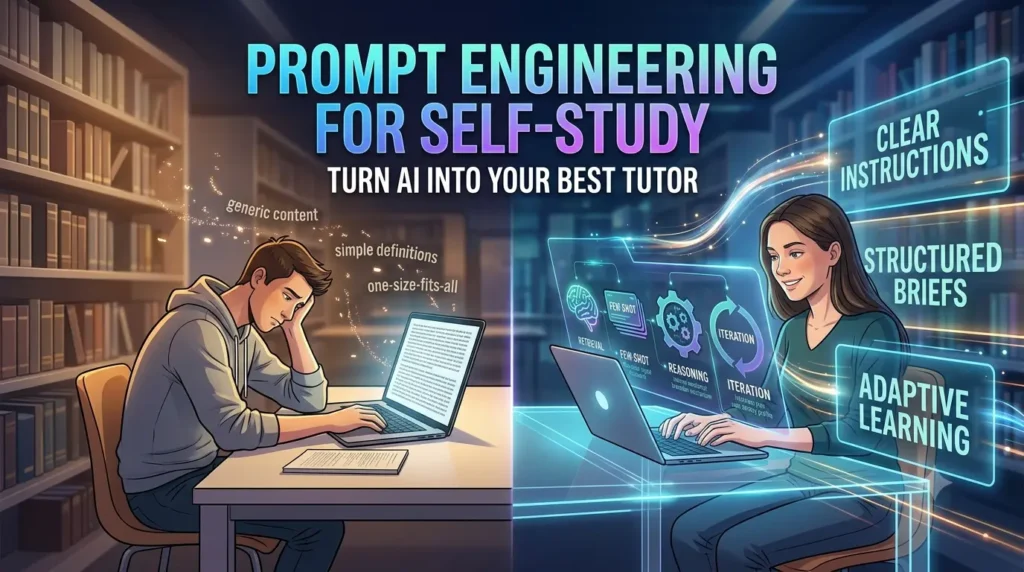
Here’s how to apply prompt engineering for self-study so every session with AI moves your learning forward.
Table of Contents
Treat the AI Like a Tutor You Have to Brief
The biggest mindset shift for prompt engineering for self-study is this: AI doesn’t know what you’re trying to learn, how you learn best, or where you’re stuck. Not unless you tell it.
Think of it less like Googling a fact and more like walking into office hours with a tutor who has read everything but knows nothing about you yet. The quality of the session depends on how well you brief them.
That briefing has three ingredients: a role for the AI to play, context about your situation, and clear constraints on the output. Skip these and you get generic explanations. Include them, and you get something built around exactly how you learn.
Give the AI a Teaching Role, Not Just a Task
Instead of “explain the Krebs cycle,” assign a role first. Try: “You are a patient biology tutor helping a first-year student who struggles with abstract concepts. Explain the Krebs cycle using a real-world analogy before giving the technical version.”
Assigning a role focuses the response. It filters out the parts of the model’s training that don’t apply to your situation — the difference between a textbook definition and something an actual tutor would say to someone in your exact position.
Tell It Exactly Where You Are and Where You’re Stuck
Context turns a decent explanation into a genuinely useful one. Before asking a question, give the AI:
- Your current level — “I’m a beginner with no stats background” vs. “I took intro stats but forgot hypothesis testing”
- What you already tried — “I read the chapter, but the notation confused me”
- Why you’re learning it — an exam next week, a certification, general curiosity, or a work project
The same request — “explain confidence intervals” — deserves a different answer depending on whether you’re cramming for tomorrow’s test or building long-term intuition. Tell the AI which one you’re doing, and it can adjust depth, pace, and examples accordingly.
Add Constraints So the Output Matches How You Study
Once the AI understands your goal, put guardrails around the response so you get something you can actually use:
- Format — “numbered steps” or “flashcard-style Q&A pairs”
- Length — “3–4 sentences per concept” so you’re not drowning in text
- Level — “avoid jargon,” or the opposite, if you need the correct terms for an exam
- What to avoid — “don’t just define it, quiz me instead,” or “ask guiding questions before giving the answer”
That last constraint matters more than people realize. A precise negative instruction — telling the AI what not to do — often does more than a positive one, because it overrides the model’s default behavior (usually: answer immediately) and replaces it with something that actually helps you learn.
Five Prompt Engineering Techniques for Better Self-Study
A handful of specific techniques make an outsized difference once you’ve got the basics down.
1. Ask for retrieval practice, not just explanations
Reading a clear explanation feels productive, but it isn’t the same as testing yourself. Try: “Quiz me on the last three chapters with 10 questions of increasing difficulty. Don’t show me the answer until I respond.” This forces active recall, one of the best-supported study techniques there is, according to cognitive science research on learning.
2. Use few-shot examples for consistent quiz formats
If you want flashcards in a specific structure, show the AI one or two examples of that format before asking it to generate more. It will follow the pattern and stay consistent — useful if you’re exporting the results into a flashcard app.
3. Ask for step-by-step reasoning on anything you got wrong
When you miss a practice problem, don’t just ask for the right answer. Ask the AI to walk through its reasoning step by step and pinpoint exactly where your logic diverged. This shows you why you made the mistake, not just what the correct answer was.
4. Let the AI interview you instead of guessing
Rather than describing your exact gaps upfront, try: “I need to prepare for my organic chemistry midterm. Before helping, ask me questions one at a time to find out what I know and where I’m weak, then build a study plan from my answers.” This flips the usual dynamic. The AI figures out what context it needs by asking, and you end up with a plan that matches your actual gaps.
5. Iterate instead of restarting
Your first prompt is a draft, not a final answer. If an explanation is too advanced, say so. If a quiz is too easy, ask for harder questions. Treat the session as a conversation you’re steering, not a one-shot request.
If you’re a student, research scholar, MBA graduate, or any kind of learner who needs to deep dive into a topic and create a PPT, infographic, or mind map, make sure you read our blog on how to use NotebookLM for your research paper.
A Self-Study Prompt Template You Can Copy
Here’s a template that pulls all of this together for any subject:
You are a [subject] tutor helping a student who is [your level/background] preparing for [exam/goal/deadline]. I already understand [what you know], but I’m struggling with [specific gap]. Explain [topic] using a simple analogy first, then the technical version. Keep it under 200 words. After explaining, quiz me with 3 questions of increasing difficulty and wait for my answers before giving feedback.
Swap in your own subject, background, and goal. You’ll notice the difference immediately compared to a bare “explain X” prompt.
The Real Skill Is Iteration, Not Perfection
You don’t need the perfect prompt on your first try. Almost nobody gets it right the first time. The real skill behind prompt engineering for self-study is treating your first attempt as a starting point and refining it based on what comes back.
Was the explanation too long? Too basic? Missing an example? Say so, and adjust. A few rounds of back-and-forth will get you a far better study session than the most carefully worded single prompt ever could.
Used this way, AI stops being a shortcut that skips the learning. It becomes something closer to a tutor who adapts to exactly how you think — as long as you’re willing to tell it how. So, this way you can use Prompt Engineering for Self-Study.
Next step: pick one upcoming exam or topic, copy the prompt template above, and run your first AI-tutored study session today.