
Want to master English speaking FREE with AI ? The secret lies right in your smartphone. Today, you can practice with 3 powerful AI tools — Gemini, ChatGPT, and Copilot — that act like your personal language coach, available 24 hours a day, 7 days a week. Whether you are a complete beginner who struggles to form a simple sentence or someone who just needs more confidence to hold a conversation, these AI-powered tools are designed for people exactly like you. No coaching centre. No paid subscription. Just 10–15 minutes a day — and you’ll see a real change in your speaking confidence.
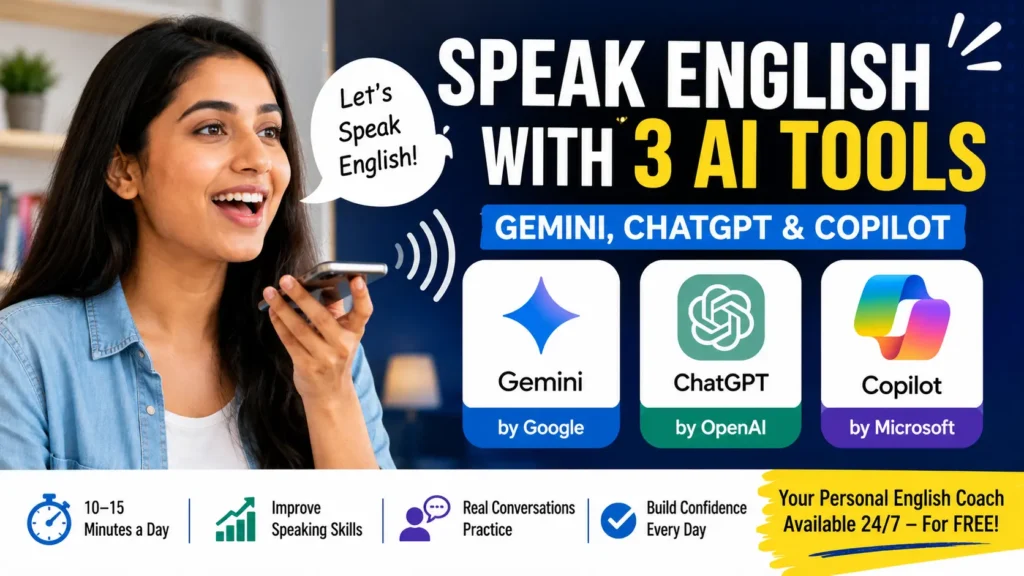
Table of Contents
The Biggest Problem English Learners Face
Most people who want to improve their spoken English face the same two problems:
“I don’t have a speaking partner.” “I don’t know where or with whom I should practise.”
If this sounds like you — this article has your solution.
Now Speak English with 3 AI Tools:
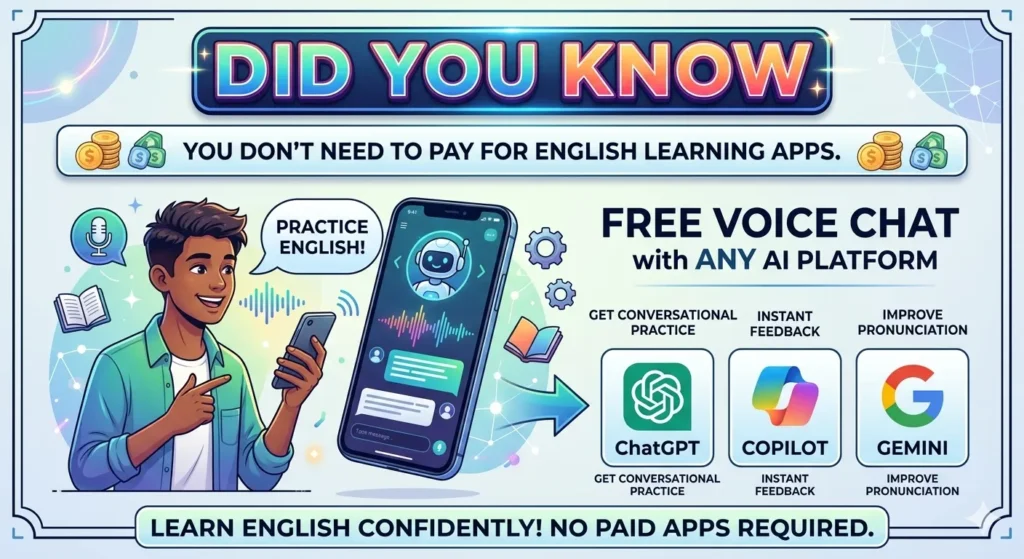
Good news: you don’t just have one option — you have three powerful, free AI tools that can act as your personal English conversation partner. Each one works slightly differently, so here’s exactly how to access each of them:
🟦 1. Google Gemini — Best for Mobile (Default on Android)
Google Gemini is the most recommended tool for spoken English practice, especially on mobile. The biggest advantage? It comes pre-installed on most Android phones as a default Google app — meaning you may already have it without even knowing!
📱 How to access it:
- On Android: Gemini is a default application — just search for it in your apps or set it as your Google Assistant.
- On iPhone: Download it from the Apple App Store — search “Google Gemini”.
- It is 100% free with no subscription required.
🟩 2. ChatGPT — Available on Mobile & Web
ChatGPT by OpenAI is another excellent free option for English conversation practice. It has a Live Chat feature where you can speak directly to the AI and get instant responses.
📱 How to access it:
- On Mobile (Android): Download the official ChatGPT app from the Google Play Store — search “ChatGPT” by OpenAI.
- On iPhone: Available on the Apple App Store as well.
- On Web/Laptop: Go to chat.openai.com and start chatting directly from your browser — no download needed.
- The free version is fully capable of English conversation practice.
🟪 3. Microsoft Copilot — Best for Laptop & PC Users
Microsoft Copilot is powered by advanced AI (GPT-4) and is completely free. It is especially well-suited for those who prefer practising English on a laptop or desktop computer.
💻 How to access it:
- On Laptop/PC: Go to copilot.microsoft.com in any browser — no download, no login required, just open and start.
- It is also built into Windows 11 — just press the Copilot button on your keyboard or taskbar.
- On mobile it is available too, but its best experience is on a laptop.
- Completely free with no charges.
Which One Should You Use?
| AI Tool | Best For | How to Access | Cost |
|---|---|---|---|
| Google Gemini | Mobile users, Voice chat | Default Android app / App Store | Free |
| ChatGPT | Mobile + Web users | Play Store / chat.openai.com | Free |
| Microsoft Copilot | Laptop / PC users | copilot.microsoft.com | Free |
💡 Quick Tip: If you have an Android phone, start with Gemini since it’s already on your device. If you mostly use a laptop, go with Microsoft Copilot. If you want the most popular option with a huge community, try ChatGPT.
The Star of the Show: Google Gemini (100% Free)
While all three tools are excellent, Gemini is the top recommendation for most students — especially for daily spoken English practice on mobile — because it is a default application, requires no extra setup, and its Live Chat feature makes conversation feel the most natural.
Many students have already used this app to dramatically improve their spoken English. The best part? It works like a real conversation partner — patient, always available, and never judgmental.
How to Use Gemini for Spoken English Practice
Once you open the app, you will see a microphone option and a camera option. You don’t need those right away.
Here’s what to do:
Step 1 — Tap the “Live” Button
Go directly to the Live Chat option. Once you tap the Live button, the AI conversation will start automatically. You can now speak directly to Gemini in English.
Step 2 — Start a Conversation
Just say hello and introduce yourself. Ask Gemini to help you practise spoken English. Here’s an example of exactly how a real practice session looks:
A Real Practice Session — What It Looks Like
Here is a real example of a conversation with Gemini, just like shown in the video:
You: “Hi, how are you? Can we decide a topic of English to talk about so that we can practise and you can help me improve my spoken English?”
Gemini: “Alright! How about we talk about a time you went on an adventure — maybe a hike, a road trip, or exploring a new city?”
You: “I recently explored a city called Gorakhpur. I visited the Gorakhnath Temple. It was really fascinating — a great experience for me.”
Gemini: “The Gorakhnath Temple sounds like it has a rich history! What made your visit there so fascinating?”
The conversation flows naturally — just like talking to a real person. And if you want to change the topic at any time, simply say so:
You: “Can we change the topic? Can we talk about social media?”
Gemini: “Of course! Social media is a great topic. What are your thoughts on it — do you think it’s mostly positive or negative?”
You: “Mostly I feel it is positive, because just because of social media I am right now connected to you!”
Gemini: “That’s how we’re having this conversation right now! I’m curious — do you think there are any downsides to social media that people should be aware of?”
This is how a natural, flowing English conversation happens with Gemini. It listens, it responds, it keeps the conversation going — just like a real person.
Gemini Also Teaches Grammar!
Beyond conversation, you can ask Gemini to teach you grammar rules. Here’s how that looks in practice:
You: “Can you help me understand some basic rules of grammar?”
Gemini: “Absolutely! Where would you like to start? We could cover subject-verb agreement, punctuation, how to use different tenses…”
You: “Subject-verb agreement sounds good.”
Gemini: “Let’s start! Here is the basic idea:
- Singular subjects need singular verbs — for example: ‘She goes to the store.’
- Plural subjects need plural verbs — for example: ‘They go to the store.’
It seems simple, but it can get tricky. Sometimes the subject and verb are separated by many words. Let’s try an example — what is the subject and verb in this sentence: ‘The group of students is working on a project’?”
You: “Group of students is the subject and ‘is’ is the verb.”
Gemini: “You are absolutely right! Here’s the tricky part — even though ‘students’ is plural, the actual subject is ‘group’, which is singular. So ‘is’ is the correct verb form.”
This is live, interactive grammar teaching — for free, any time you want.
How Much Time Do You Need?
Just 10 to 15 minutes per day.
Within 10 to 15 days, you will notice a real change in:
- ✅ Your speaking style
- ✅ Your confidence
- ✅ Your ability to think in English
- ✅ How naturally English comes out of your mouth
The key is to build a habit. Use Gemini whenever you have free time — even small gaps during your day add up quickly.
5 Topics You Can Practice With Gemini Today
Not sure what to talk about? Here are some conversation starters you can use right now:
- Travel — Talk about a place you have visited. Describe what you saw, what you ate, what you felt.
- Social Media — Share your opinions on how social media affects people’s lives.
- Your Daily Routine — Describe what a typical day looks like for you.
- Your Goals — Talk about what you want to achieve in 2025.
- Grammar Practice — Ask Gemini to teach you one grammar rule and then practise using it in sentences.
Why Gemini is a Game Changer for English Learners
| Feature | Benefit |
|---|---|
| 100% Free | No cost, no subscription needed |
| Available 24/7 | Practice at midnight, at dawn — any time |
| Powered by Google AI | Intelligent, natural responses |
| Live Voice Conversation | Real speaking practice, not just typing |
| Grammar Help On Demand | Learn rules as you need them |
| No Judgement | Make mistakes freely and learn from them |
| Topic Flexibility | Switch topics any time you like |
One Important Warning
N.B: Gemini is free right now — but there is no guarantee it will stay free forever. It’s better to start using it today and build your habit while it costs nothing.
Start Today — Not Tomorrow
2026 is your year. You have a free, powerful, Google-powered AI conversation partner sitting in your phone’s app store right now.
Search “Gemini”, download it, tap Live, and say:
“Hi! Can we practice English conversation together?”
That’s all it takes to begin. 10 minutes today. A new you in 15 days.
Access your free AI English tutor:
- Google Gemini — Search “Gemini” on Play Store / App Store (default on most Android phones)
- ChatGPT — Search “ChatGPT” on Play Store / App Store, or visit chat.openai.com
- Microsoft Copilot — Visit copilot.microsoft.com on your laptop or PC (no download needed)
Final Thoughts
You no longer need expensive coaching centres or paid apps to learn English. With ChatGPT, Google Gemini, and Microsoft Copilot — all available for free — you have access to a world-class language tutor in your pocket.
The key is consistency. Use these tools daily, be curious, ask questions, and don’t be afraid to make mistakes. AI is patient, non-judgmental, and available whenever you are.
Start today. Type your first message in English — and let the learning begin.

Great article! I’ve been using Free Image Generator () for similar projects. Free Image Generator